Browse and search documentation
Kubernetes inspections and resources
Locate affected resources from cluster inspections, examine namespaces, Pod logs and events, then choose an appropriate operation.
On this page
Before you begin
- The cluster belongs to the current tenant and project. Its read connection and credentials are valid and cover the namespaces you intend to inspect.
- Resource reads and operations can require different permissions. Do not grant full cluster administration merely to enable log viewing.
- Check the inspection time and scope. Partial results, unreachable clusters and expired credentials must not be interpreted as a healthy empty inventory.
Move from findings to resources
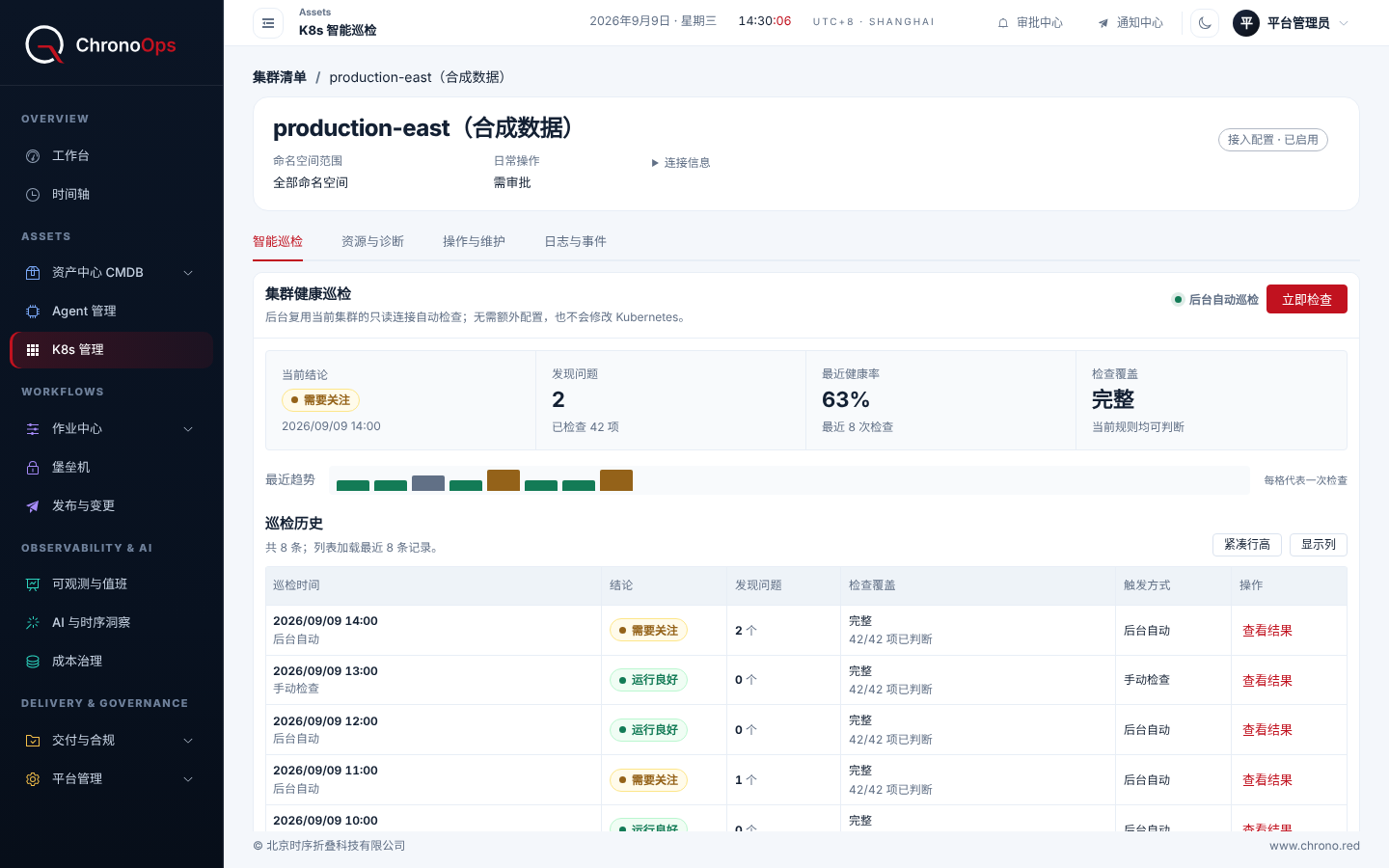
- Open the target cluster’s inspection page and check the run time, inspected resources and findings.
- Select a finding, read its rationale and open the referenced resource. Verify cluster, namespace, type and name.
- Review status, related resources and events. For a Pod, also inspect container state and logs rather than relying only on a finding’s title.
- If action is needed, open the relevant operation and verify its preselected target. Opening the page does not execute it; follow actual permission and approval requirements.
Filters and result scope
Narrow the inventory by resource type and namespace, then use labels to locate objects. Label options come from returned resources; filtering a limited result does not search the whole cluster.
If only part of the inventory is returned, narrow the namespace or resource-type scope further. Screenshot counts and current-page rows are not automatically the full cluster size.
Inspections versus AI analysis
Automated inspections use rules and can produce findings without AI. AI-assisted analysis helps interpret information and propose responses. Neither replaces checking the actual resource. After a change, read the resource again or rerun the check before concluding it recovered.
Common problems
| Symptom | What to check |
|---|---|
| Cluster cannot be read | Credential validity, read connection reachability and namespace scope |
| Empty logs | Exact Pod/container, time range, log access and whether the resource still exists |
| Expected action is unavailable | Version, cluster type, operation permission and runtime support |
Send your deployment version, page and a redacted description so we can investigate and update the guide.
weiwendi@aiops.red